
Download 1win for PC: Windows and macOS
The 1win desktop application gives Canadian players direct access to sports betting, live casino, slots, roulette, table games, and game shows from a single installed client. It is available free for both Windows and macOS, with no browser required. The desktop client delivers the complete functionality of the web platform, including account management, deposits, withdrawals, and full game libraries.
1win PC Client: Key Facts
The 1win PC app is a dedicated desktop client that performs faster than the browser version, eliminates tab clutter, and runs independently of your default browser settings. Below is a summary of the key characteristics of the application.
| PC Client Size | Approximately 50 MB |
| Available Languages | English, French, Portuguese, Hindi, Russian |
| Category | Sports Betting, Online Casino, Live Casino, Instant Games, Game Shows, Poker |
| Compatible with Windows | Windows 7, Windows 8, Windows 10, Windows 11 |
| Compatible with macOS | macOS 10.13 High Sierra and later |
Pros and Cons of Using the 1win PC Application
Installing the 1win app on your computer offers clear advantages over browser-based access, though a small number of trade-offs are worth noting before you download.
| Pros | Cons |
|---|---|
| Runs independently of any browser, removing compatibility issues | Requires approximately 50 MB of local storage |
| Faster load times compared to browser sessions | Requires a manual download and installation step |
| Desktop notifications for live betting events and promotions | macOS users must adjust Gatekeeper security settings on first launch |
| Dedicated login screen for quicker account access | |
| Full access to all casino and sportsbook sections without switching tabs | |
| Optimised interface layout for larger computer screens | |
| Automatic session restoration if the connection drops |
Download and Install the 1win App on Windows
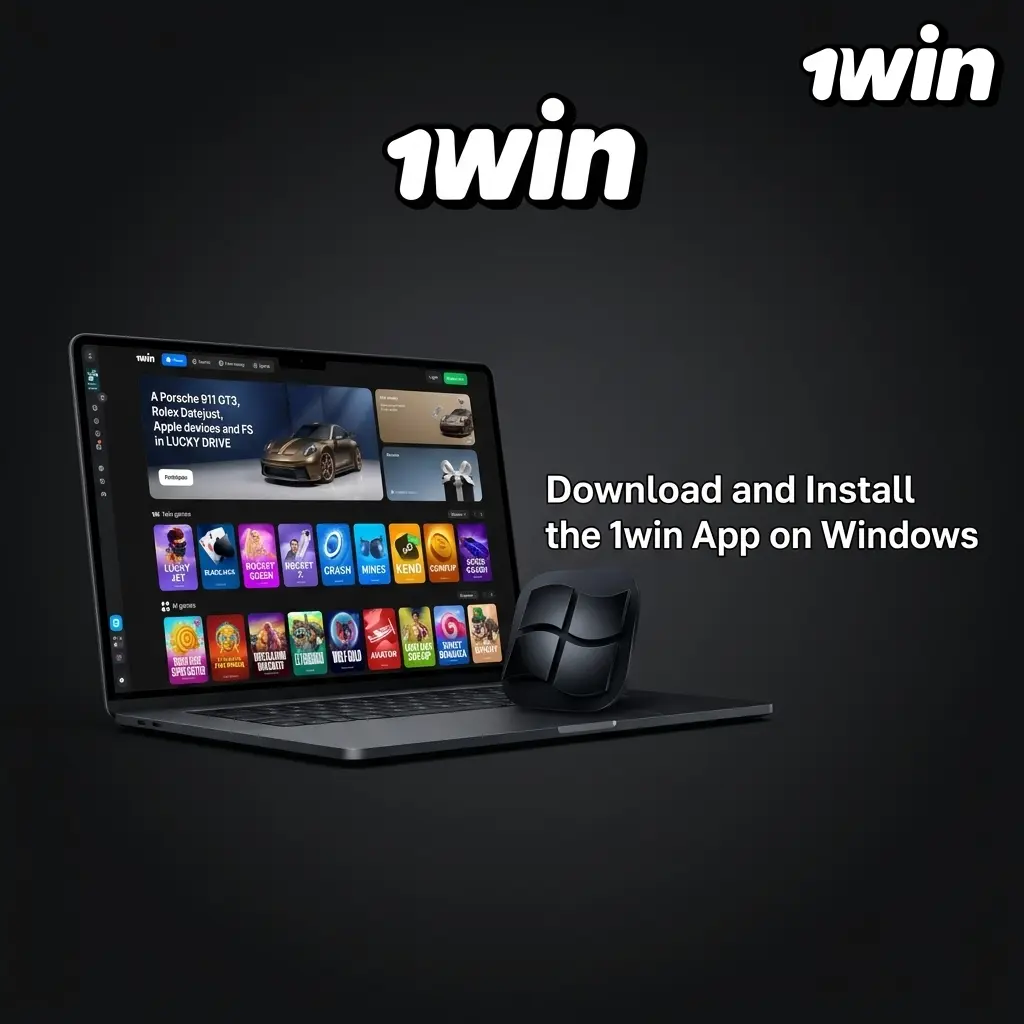
The 1win app for Windows is compatible with versions 7 through 11, requires no high-end hardware, and installs in under two minutes on most computers. Follow the steps below to complete the process.
- Click the Download Button. Use the button on this page to start the download for Windows. The installer file (.exe) will save to your computer automatically.
- Locate the Installer. Open your Downloads folder and find the 1win setup file.
- Run the Installer. Double-click the .exe file. If Windows Defender or SmartScreen displays a warning, click “More info” then “Run anyway” to proceed with the official installer.
- Complete Installation. Follow the on-screen prompts. The app will install to your chosen directory and create a desktop shortcut.
- Launch and Log In. Open the 1win icon on your desktop, log in to your existing account, or register directly through the app to start betting.
Download and Install the 1win App on Mac
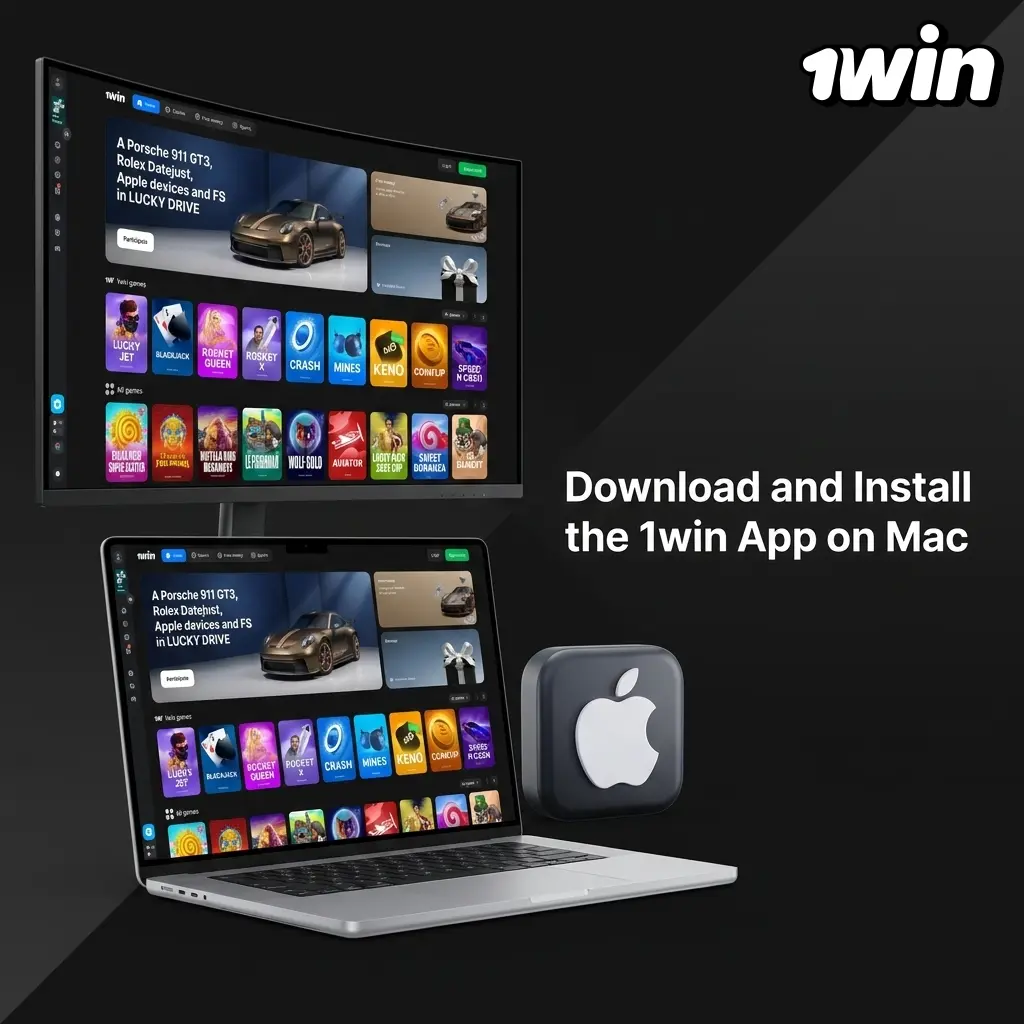
The 1win app for Mac is compatible with macOS 10.13 High Sierra and all later versions, covering both Intel and Apple Silicon (M1, M2, M3) machines. Use the steps below to get the client running on your computer.
- Click the Download Button. Use the button on this page to download the macOS version. The .dmg file will save to your Downloads folder.
- Open the DMG File. Double-click the downloaded .dmg file to mount the installer image.
- Adjust Security Settings. Open System Settings, go to Privacy and Security, and click “Open Anyway” next to the 1win app entry. This step is required once for apps downloaded outside the Mac App Store.
- Drag to Applications. Drag the 1win icon into your Applications folder to complete the installation.
- Launch and Log In. Open the app from Applications or Spotlight, then log in to your account or complete a new registration to access all betting and casino options.
Keep the 1win PC Client Up to Date
Updates to the 1win PC app introduce new game titles, improve connection stability, and apply security patches that protect your account. Follow these steps to update your client.
- Open the App. Double-click the 1win icon on your desktop to launch the client and connect to the platform.
- Check for an Update Notification. The app automatically checks for the latest version on startup. If an update is available, a notification banner will appear at the top of the screen.
- Confirm the Update. Click “Update Now” in the notification. The app will download and apply the new version in the background.
- Restart the Client. Once the update is complete, the app will prompt you to restart. Click “Restart” to load the updated version and resume your session.
Register and Start Betting with the 1win PC App
Creating a 1win account through the PC app takes under two minutes and immediately qualifies new Canadian players for the welcome bonus of up to 500% on the first four deposits. Complete the steps below to register and start playing.
- Open the App on Your Computer. Launch the 1win client from your desktop shortcut and click the “Registration” button in the top-right corner of the interface.
- Choose a Registration Method. The app offers three registration options: one-click registration using your country and preferred currency; registration by phone number with an SMS code; or registration by email with a password. Select the method that suits you and fill in the required information.
- Confirm Your Account. Verify your phone number or email address using the confirmation code sent to you. This step activates your account and enables deposits.
- Make Your First Deposit. Navigate to the cashier section, choose a payment option (Interac, Visa, Mastercard, or cryptocurrency), and deposit to trigger your welcome bonus.
Access 1win Directly Through the Official Website

Installing the desktop app is completely optional. The 1win website delivers the full platform experience through any modern browser, including Chrome, Firefox, Safari, and Edge, with no software installation required. Every section available in the desktop client, including sports betting, live casino, slots, poker, and instant games, is accessible through the browser version. Canadian players can log in, deposit, withdraw, and claim bonuses on the website exactly as they would in the app. The website version updates automatically, so you always have access to the latest games and features without downloading any files.
Support for 1win Desktop Users
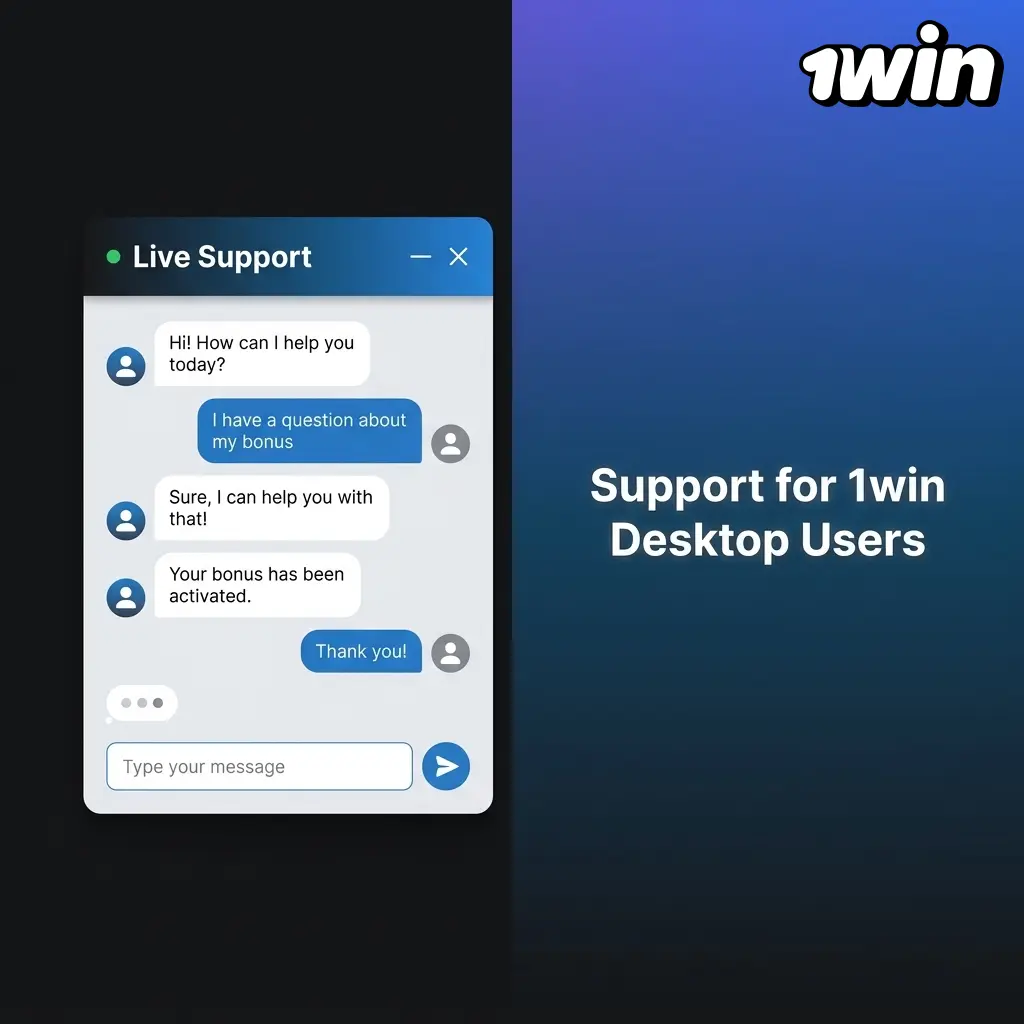
The 1win support team is available around the clock to assist desktop users with installation issues, account questions, and technical problems. Contact the team through any of the channels listed below.
| Method | Details |
|---|---|
| Live Chat | Available 24/7 directly inside the PC app and on the website. Click the chat icon in the bottom-right corner. |
| [email protected]. Responses are typically delivered within 24 hours. | |
| Telegram | @onewin_support. Available for account and technical inquiries. |
| @1win_official. Available for general inquiries and promotions. |
Frequently Asked Questions About the 1win PC App
Is the 1win PC app free to download?
Yes. The desktop client is free for both Windows and macOS users. No subscription or one-time fee is required to install or use the app.
Does the PC app support Canadian dollars (CAD)?
Yes. During registration or in your account settings, you can select CAD as your account currency. All deposits, withdrawals, and balances will then display in Canadian dollars.
Can I use Interac to deposit through the PC app?
Yes. The PC client includes the full cashier, which supports Interac, Visa, Mastercard, and several cryptocurrency options. Interac deposits are processed instantly.
Is the 1win PC app safe to install on my computer?
Yes. The desktop client is the official software distributed through the 1win platform. Windows SmartScreen and macOS Gatekeeper warnings appear because the installer is distributed outside official app stores, not because the file contains malicious code.
Can I access the same account on both the PC app and the website?
Yes. Your 1win account is shared across all platforms. You can log in on the PC app, the website, or the mobile app simultaneously, and your balance, bonuses, and betting history remain consistent across all three.
Updated: